How to crosslist from Vinted to eBay (and back), step by step
By the SaleLinx team ·
Crosslisting from Vinted to eBay means making a second listing for the same item on eBay, so it is in front of both sets of buyers at once. There is no button for it on either site. You either rebuild the listing by hand in eBay’s sell form, or use a crosslisting app that reads your Vinted listing and creates the eBay copy for you. The hard part is not the copying. It is the three things eBay does differently: item specifics, fees and postage, and the discipline of taking the item down on the other marketplace the moment it sells.
This guide walks through the Vinted to eBay direction first, then eBay to Vinted, with the rules on each side. Every fee and rule links to the marketplace’s own page, checked on 30 October 2026.
Copy the title, photos, description, size, brand and condition across, then fill in eBay’s item specifics (brand, size, colour, department and type), pick a postage option, and list. UK private sellers pay no final value fee on eBay, and Vinted charges sellers nothing, so the same price works on both. Keep one rule above all: when it sells on one marketplace, remove it from the other that day.
Before you start: is the item allowed on both?
Vinted is the stricter side. Its catalogue rules say a standard account cannot list items “specifically bought or sourced to resell”, and that commercial sellers need a Vinted Pro account. Your own second-hand clothes are fine. Stock you bought to flip is not, however it got onto eBay first. The same rules forbid uploading “an item that is not available or already sold”, which is the rule that makes stock sync matter.
eBay has no equivalent restriction on private sellers reselling, but it does care what category you list in and which details you give. That is where most Vinted to eBay copies go wrong.
Vinted to eBay by hand
1. Gather the listing
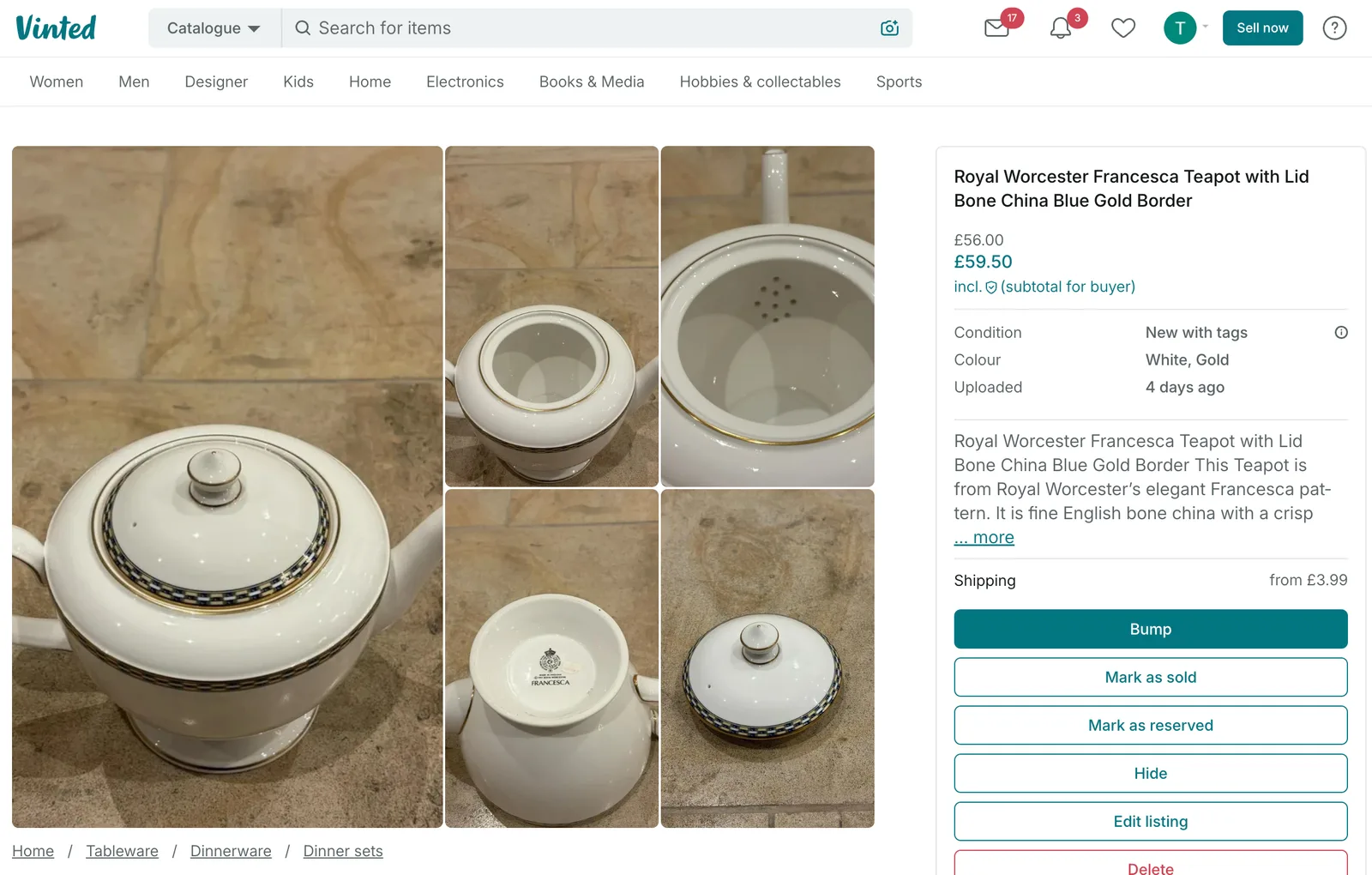
Open your Vinted listing and copy the title, description, brand, size, condition and colour somewhere you can see them. Save the photos at full size from the listing page; the app compresses them, so the originals on your phone are better if you still have them.
2. Rebuild it in eBay’s sell form
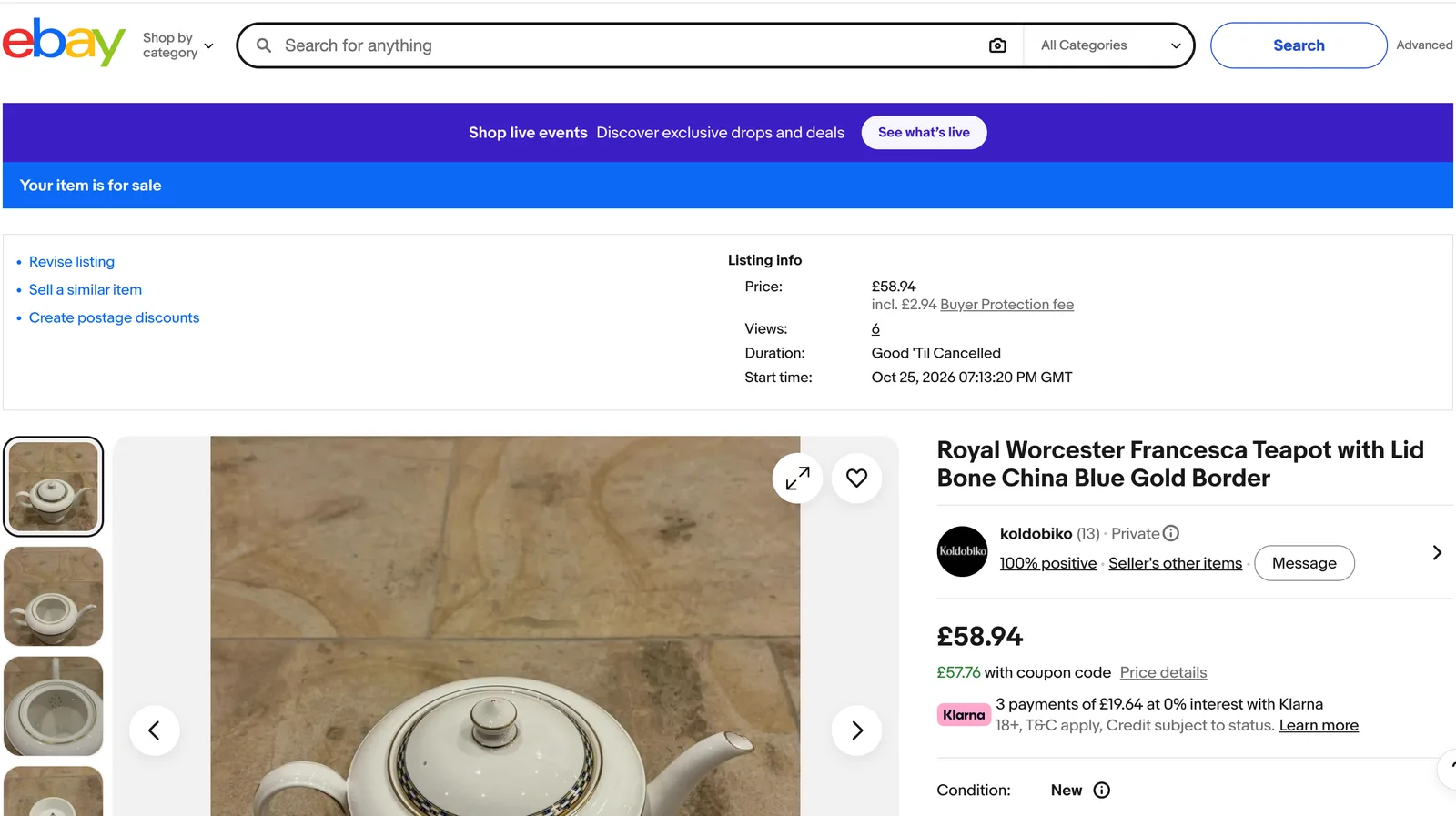
Start a new listing on eBay, search the item’s name and pick the category eBay suggests, then check it. Vinted categories are broad (Women, Jumpers and sweaters); eBay’s are narrower and the one you pick decides which details eBay demands next. A jumper filed under Women’s Clothing asks different questions from one filed under Vintage.
eBay’s listing guide says “some fields are required and some are not, depending on which category you’re selling in”. It also lets you save a draft, which expires 75 days after you last edited it, so you can build the eBay copy in stages.
3. Fill in the item specifics
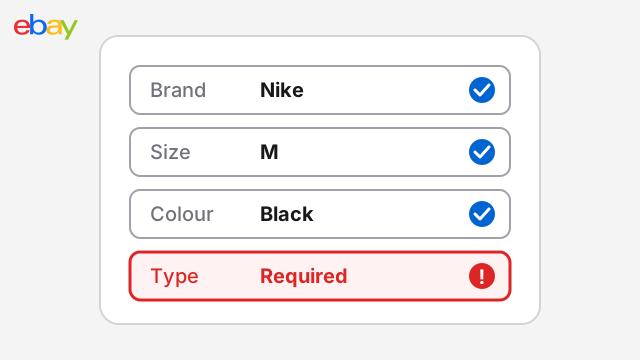
This is the step Vinted never asked you for. eBay’s Seller Centre says item specifics are required in “the Fashion, Home & Garden, Toys & Games, and Vehicle Parts & Accessories categories”, calls Brand, Size and Colour “critical”, and is blunt about what happens if you skip them: “New or revised listings that don’t include required item specifics will be blocked.”
For clothes, expect to be asked for brand, size, size type, department (men, women, kids), type, colour, and often material, style and pattern. Most of it is already in your Vinted listing in prose. eBay wants it in boxes.
4. Set the price with both fee structures in mind
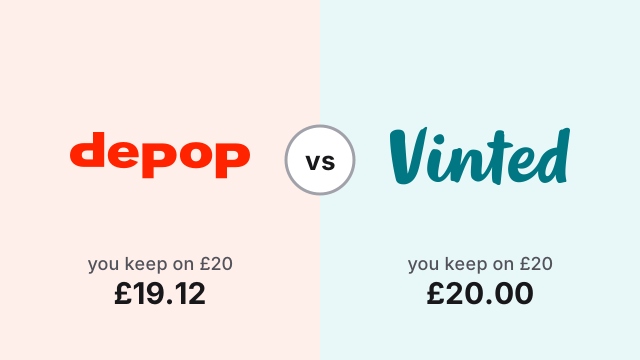
Vinted charges sellers nothing. Its selling basics page says “There are no fees for selling on Vinted, and you can list as many items as you like.” The buyer pays a separate charge at checkout, which Vinted renamed from the Buyer Protection fee to the Vinted fee in October 2026, and its price list puts at usually 3% to 8% plus £0.30 to £0.80.
eBay now works the same way for UK private sellers. Its private seller fees page, last updated 30 September 2026, says “You won’t pay final value fees or regulatory operating fees when your items sell”, and gives you 300 free listings a month with 35p for each one after that. The buyer pays a Buyer Protection fee instead: £0.10 per item, plus 7% of the price up to £20, 4% of the part from £20 to £300 and 2% of the part from £300 to £4,000.
So the price you type in is what you get on both, and the buyer sees a slightly higher total on each. Our eBay fees guide works through the eBay side with examples, including what changes if you register as a business.
| Vinted | eBay (UK private seller) | |
|---|---|---|
| Seller fee on a sale | None | None (no final value fee) |
| Listing fee | None | 300 free a month, then 35p each |
| Buyer pays on top | Vinted fee, usually 3% to 8% plus £0.30 to £0.80 | Buyer Protection fee, £0.10 plus 7% up to £20, then 4%, then 2% |
| Required details | Category, brand, size, condition | Category plus required item specifics (brand, size, colour and more) |
| Postage | Buyer always pays and picks the carrier; you get a prepaid label | Simple Delivery on eligible items; you choose whether the buyer pays |
| Drafts | Yes | Yes in the sell form, for 75 days |
| Resale stock | Not on a standard account | Allowed |
5. Sort out postage
On Vinted you never think about postage. Its shipping page says “The shipping is always paid by the buyer”, the buyer picks the carrier, and Vinted emails you a prepaid label after the sale. You have 5 business days to send.
On eBay, most private sellers now get something similar through Simple Delivery. It covers eligible items priced £750 or less, and after a sale you click “Get prepaid label” on the order. The difference is a choice Vinted never gives you: in the listing’s “Who pays?” box you decide whether the buyer pays for the label at checkout or you offer free postage and have the label cost taken from your account. Opting out for your own custom postage is only possible for certain categories at £20 and under.
If you offer free postage on eBay, raise the price to cover the label, or the eBay copy nets you less than the Vinted one.
6. List it, then note it down
Once you press list, the item is live on both. Write down which items are on both marketplaces, even if it is just a note on your phone. That list is what saves you in the next section.
Keep stock in sync, or sell the same thing twice
The one real risk of crosslisting is a double sale. The item sells on eBay on Tuesday, you post it Wednesday, and on Thursday a Vinted buyer pays for it too. Now you are cancelling on Vinted, which hurts your account, and the Vinted buyer has waited for nothing. Vinted’s catalogue rules make listing an unavailable item a breach in its own right.
Make taking the other listing down the first thing you do after a sale, not the last. On Vinted, hiding the listing is enough if you think the eBay sale might fall through; delete it once the parcel has gone. On eBay, end the listing from your active listings page.
eBay to Vinted
The reverse direction is easier on data and harder on rules.
Easier, because an eBay listing already holds more structured detail than Vinted asks for. Brand, size, colour and condition drop straight into Vinted’s form. Vinted’s categories are broader, so picking one is quick, and there is no item specifics step. The eBay photos will do on Vinted as long as they show the real item, not a stock image.
Harder, because of what Vinted will and will not accept:
- One listing per item. The catalogue rules say “You should only have one listing per item.” If an item is already on Vinted in any form, do not create a second copy.
- No resale stock on a standard account. If your eBay shop is a business, or you sell things you bought to sell on, Vinted expects a Vinted Pro account, and some categories (cosmetics, for example) are closed to Pro sellers.
- Postage. Your eBay postage settings do not carry over. Vinted sets postage from the parcel size you pick, and the buyer pays it.
- No bulk tools. Vinted’s terms, in the version applicable from 8 October 2026, say members must not use “any kind of external software tools (including but not limited to: bots, scraping programs, crawling programs, spiders)” unless Vinted allows it, and must not “delete and re-list the same Item multiple times or multiple Items in bulk”. Read them before you use any app that touches your Vinted account, and keep what you do on Vinted to the pace of a person listing by hand.
Our guide to relisting on Vinted goes further into what those terms mean in practice.
Using an app instead
Doing all of the above for one item takes about ten minutes. For fifty items it is a weekend, and that is what crosslisting apps exist for. They read your listing on one marketplace, map the category, brand, size and condition to the other marketplace’s lists, copy the photos, and create the listing. The best crosslisting apps post compares the ones that cover Vinted, which is fewer than you would expect.
Whatever app you use, the sync rule in the diagram above is still your job unless the app links the two listings and ends one when the other sells. Check that it does before you rely on it.
How SaleLinx helps
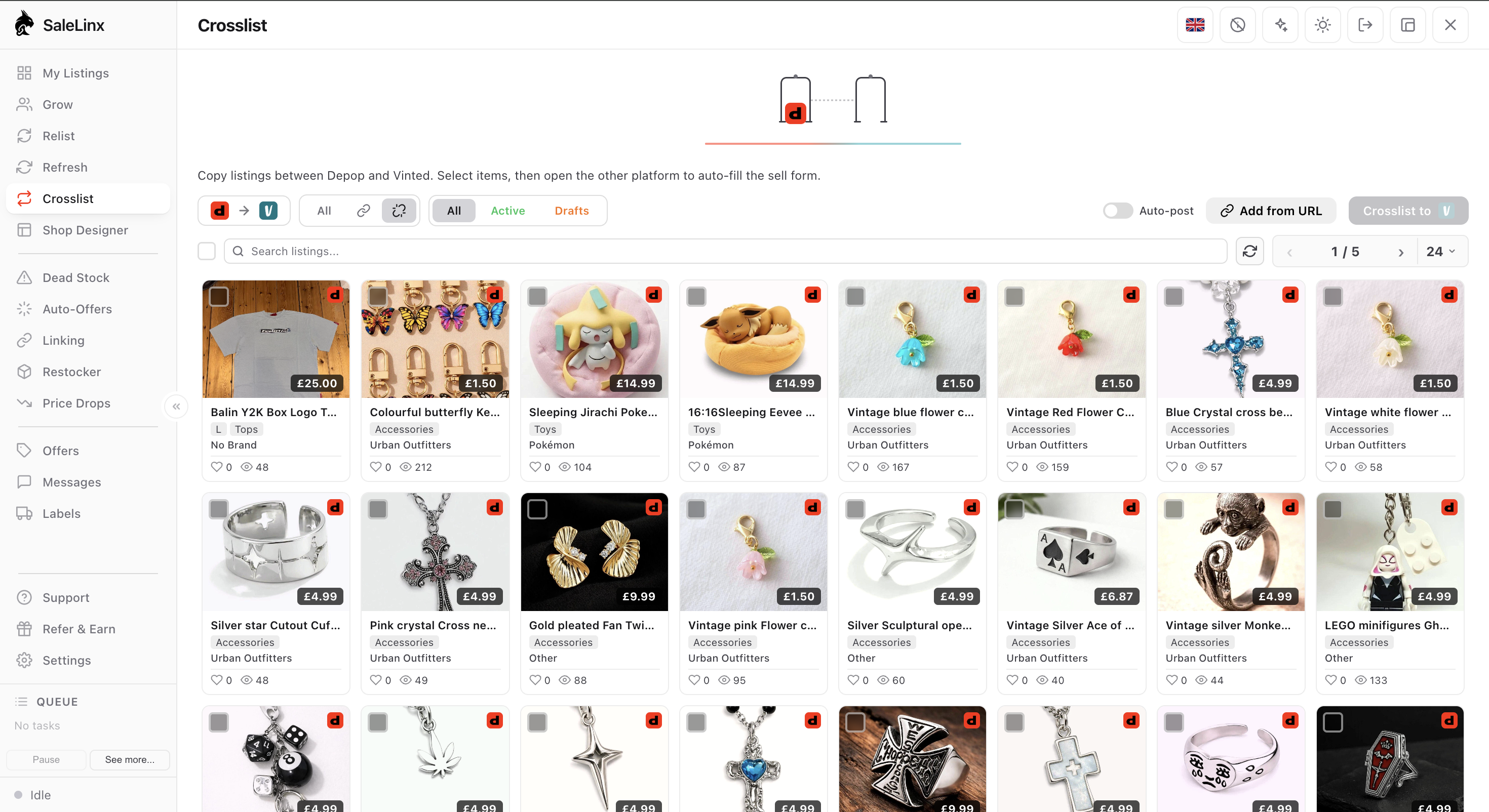
SaleLinx is a Chrome extension for Depop, Vinted and eBay sellers, and the Vinted to eBay direction is one of the jobs it was built for. In the Crosslist tab you tick the Vinted listings you want on eBay. SaleLinx works out the eBay category from the title, fills in the item specifics eBay requires from the brand, size, colour and condition on the Vinted listing, checks each item with eBay, and shows eBay’s fee and a Fill in button on any row eBay would still refuse. Copies to eBay go live straight away, so that check is your review step. Copies the other way, to Vinted, land as drafts for you to open, correct and publish yourself. After a sale, My Listings shows both marketplaces in one grid so the other copy is easy to find and take down. On eBay SaleLinx does crosslisting, My Listings and bulk edit, nothing else yet. Vinted’s terms restrict external software tools, so keep Vinted activity to what a person would do by hand. The crosslist guide has the details. From £7.99 a month, with a 14-day free trial.
Questions
Can I crosslist from Vinted to eBay for free?
Yes, by hand. eBay gives UK private sellers 300 free listings a month and charges no final value fee, and Vinted charges sellers nothing, so the only cost is your time. Apps that do the copying for you charge a monthly fee.
Why does eBay refuse my clothing listing?
Almost always a missing required item specific. eBay blocks new listings in Fashion that leave out details like brand, size, colour or department. Open the listing, look for the fields marked required, and fill them in. The category you picked decides which ones are required, so if the list looks wrong for the item, change the category first.
Do I need to charge more on eBay than on Vinted?
Not for fees. Neither marketplace takes a cut from a UK private seller. You may need to if you offer free postage on eBay, since the label cost comes out of your account. With buyer-pays postage, the same price works on both.
What happens if the item sells on both at once?
You have to cancel one order. Cancel the later one as soon as you see it and message the buyer. On Vinted, a cancelled order counts against you and listing an item you no longer have breaks the catalogue rules, so it is better to spend the thirty seconds hiding the Vinted listing when the eBay sale comes in.
Is it against Vinted’s rules to use a crosslisting app?
Vinted’s terms restrict external software tools, and separately ban bulk delete and re-list. They do not mention crosslisting by name. Read the current terms, keep activity on your Vinted account to what a person would do by hand, and never let a tool delete and re-list your Vinted items in bulk.